Creating Social Media Graphics Course
Create eye-catching graphics for every social media platform using Adobe Photoshop.
Learn professional techniques to produce compelling visuals that stop the scroll.
Create eye-catching graphics for every social media platform using Adobe Photoshop. Learn professional techniques to produce compelling visuals that stop the scroll.

-
Expert trainers Experienced industry expert
- Class size Up to 8 in London, or up to 6 live online
- Support 28 days of helpdesk support
- Cancellation 7 day cancellation
- Certificate Certificate of attendance
- Volume discounts Save with Learning Pots
Creating Social Media Graphics Course
Create eye-catching social media graphics using Adobe Photoshop on this practical one-day course.
You'll get up to speed with the Photoshop essentials needed for social media work, how to set up documents and artboards for different platforms, how to remove image backgrounds and create cutouts, how to work with colour, gradients, layer styles and brand assets, how to build reusable templates for faster production, and how to create animated GIFs for social media.
Ideal for marketers and comms teams who want to produce better content in less time.
Private & team training
Get a quote for Creating Social Media Graphics
This course isn't on the public schedule right now. Request a quote and we'll come back with dates, pricing and delivery options, at our centre, live online or at your venue.

Course outline
Photoshop essentials
Get familiar with the interface
Working with image navigation
Understanding colour modes
Checking the image resolution
Understand pixel dimensions
Sizing images
Choosing a suitable file format
Creating a new document
Setting up new document pre-sets
Importing content into your Artboard
Resizing and rotating items
Selecting objects
Modifying and enhancing selections
Cutting out methods
Understanding and managing layers
Adding colour fills
Adjusting image colour and tone
Exploring brush based tools
Retouching methods
Adding and handling type
Colour and graphics
Building and handling gradients
Ghosting and blending layers
Sourcing free and paid-for online resources
Introducing graphic elements
Working to a brand
Maintaining brand consistency
Managing colour and styles
Placing vector artwork
Saving and reusing content with the Library
Exploring Layer Styles
Design considerations
Ensuring content is relevant and has impact
Working to a grid
Aligning and distributing items
Maintaining clear space
Multiple asset creation for different platforms
Setting up Artboards for different social media platforms
Adjusting the artboard size
Utilising smart objects
Export settings and methods
Building templates for different social media platforms
Animated GIFs
Assisted practice and development
Consolidate techniques covered during the course
One-to-one time with your trainer
Questions and answers related to your work requirements
Practice new-found skills
Questions and answers
This course is also available as a private course. If you wish we can tailor the content for your team. Please contact us for more details.
Who is this course for?
For marketers, social media managers and communications professionals who need to create on-brand graphics for social media. Adobe Photoshop is used — no prior experience required.
Accommodating students based on abilities and learning capabilities. Creating a welcoming environment with a lot of nice refreshments throu…
Trainer was exceptionally patient and seemed like he really wanted to help. He also went a little bit over which was very appreciated.
A beautiful setting, lovely food. A small group, so lots of one on one attention from a great trainer. Thanks!
Staff were incredibly friendly, could not fault anyone. We were made to feel welcome and comfortable. Everyone was patient, friendly, Craig…
Made this very specific, small groups helped a lot, great instructer
Relaxed atmosphere, well structured, well timed
Everything! Very informative and helpful situations :)
Really great course! Simon was knowledgeable and extremely helpful. Would definitely recommend to colleagues and friends.
Swipe for more
Read course reviewsWho attends?

Getting better at your job
You need a skill for the role you already have, or your employer is investing in the team.

Changing career
You're moving into a new field and need the practical skills it asks for.

Just graduated
You know the theory. A practical course and a certificate of attendance show employers you can do the work.
Related courses

Video Editing for Social Media
From £329 + VAT
Create scroll-stopping short-form video content for social media using CapCut. A practical one-day course covering editing, storytelling, animation and platform export.
View course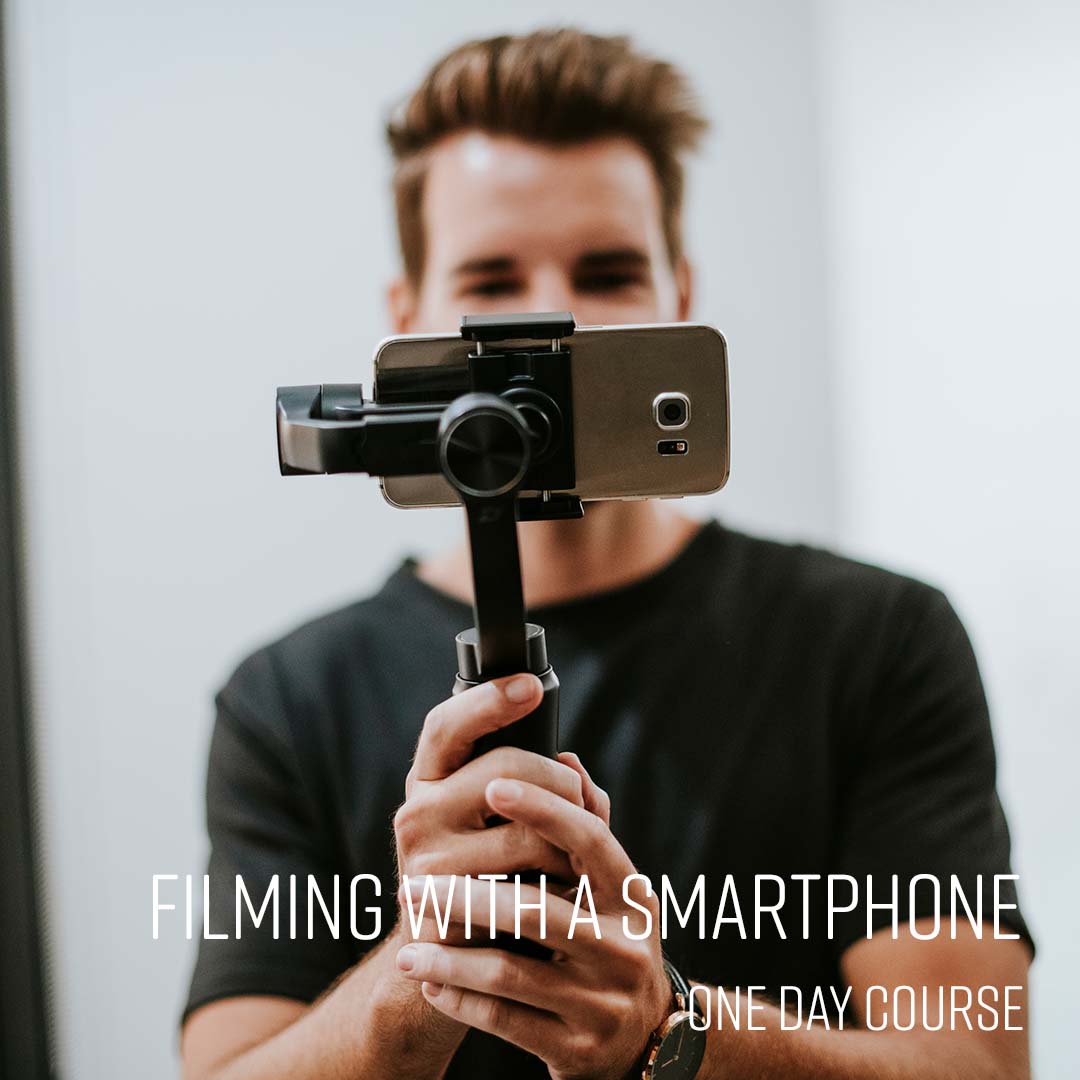
Filming With A Smartphone
From £349 + VAT
Shoot professional-quality video on your smartphone on this practical one-day course. Covers kit, manual settings, audio, lighting and interview composition.
View course
Social Media Marketing Advanced
From £349 + VAT
Take your social media marketing further with data, paid ads and competitor intelligence. Covers social listening, paid advertising, platform targeting and advanced strategy.
View courseFurther reading

Which one should I use? Illustrator vs Photoshop
Adobe Illustrator and Adobe Photoshop are both powerful tools for creating and editing images and graphics but they…

How a social media virtual assistant can help your business
Hiring a social media virtual assistant is a cost-effective solution to improve your social presence.

5 Ways To Launch A Product On Social Media
Social media can be a particularly powerful tool for launching a new product or service.