Premiere Courses
Learn video editing with Adobe Premiere Pro, the industry standard software.
Join our training courses in London or Live Online.


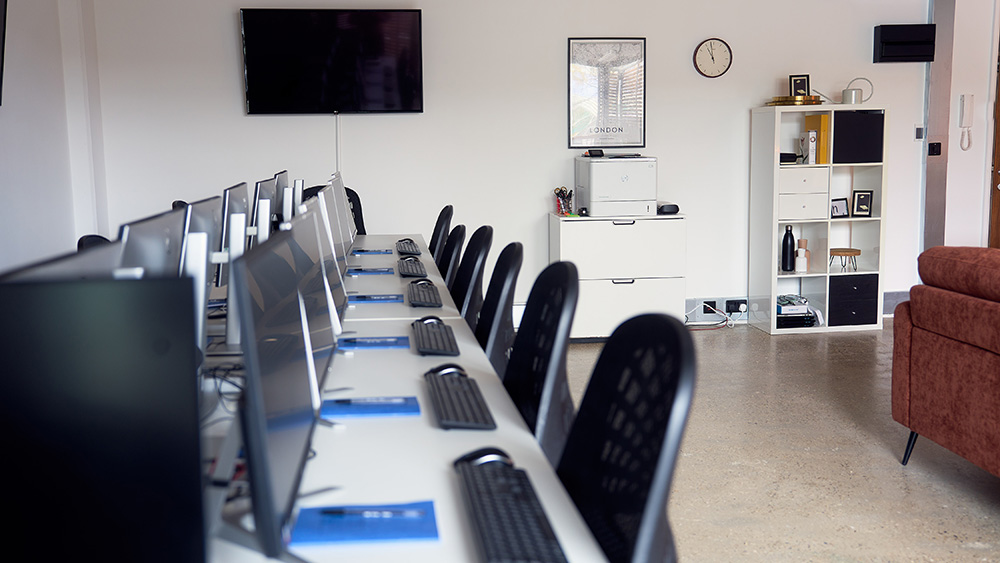

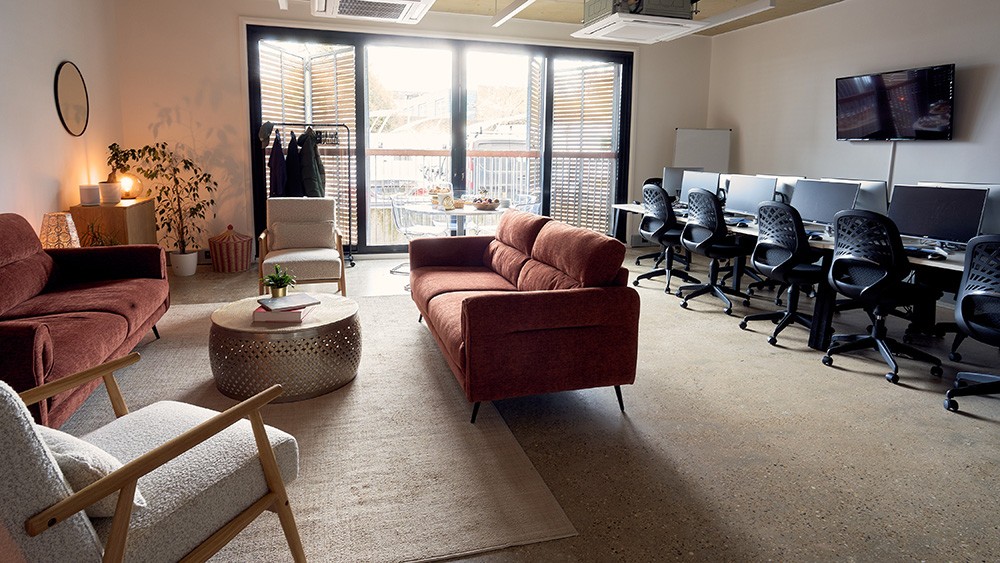


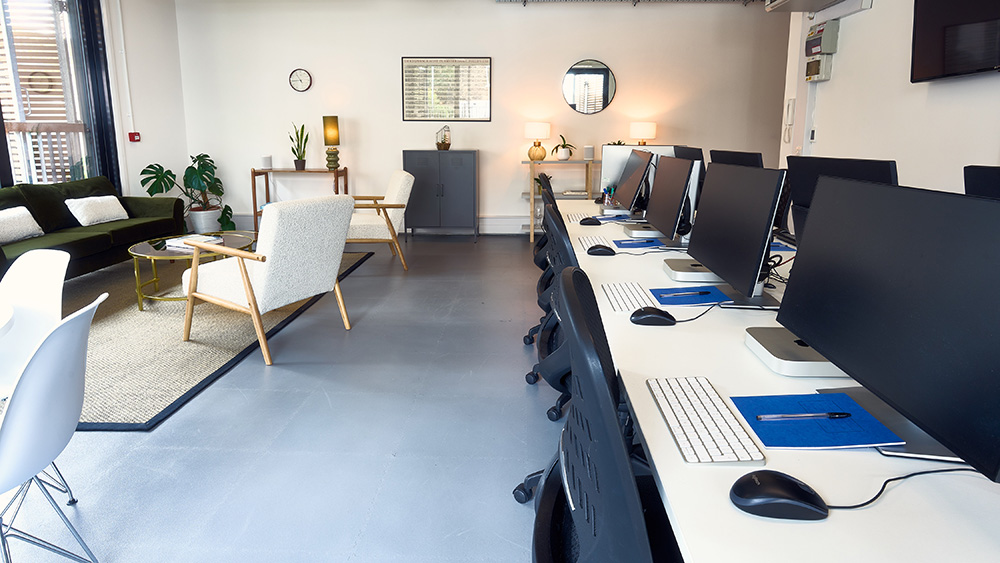

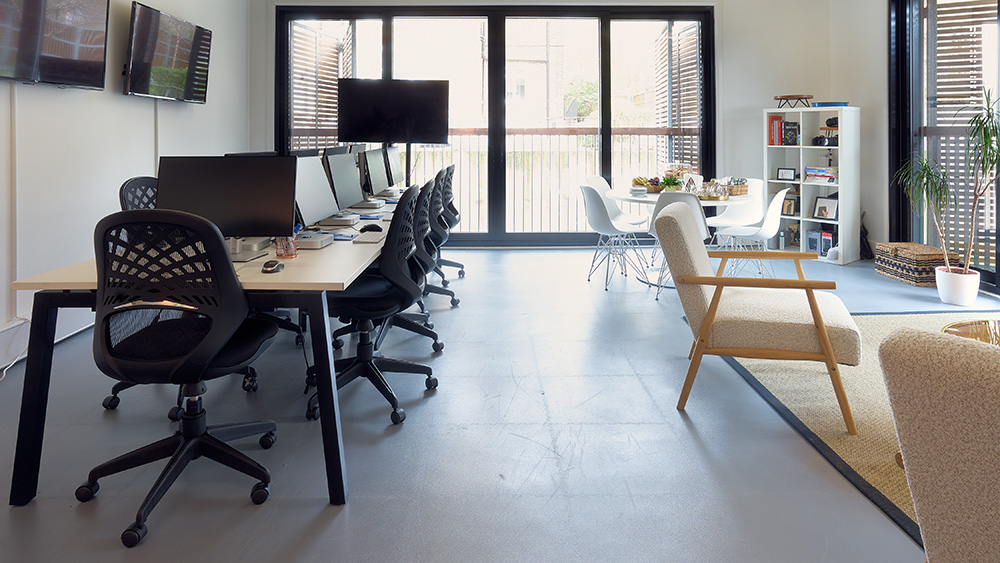
A Premiere course at the UK's largest Adobe Authorised Training Centre is the ideal way to begin developing your digital video editing skills.
You'll earn your stripes, working with an expert editor who'll give you all the insider advice that's so important when creating professional edits that you'll be proud of.
Practical, real-world exercises feature heavily in all our Premiere courses. Whether you are new to Premiere and need a course that gives a foundation in the software or you use it daily and want courses that show you how to work more efficiently, we have a Premiere course for you.
Need help deciding which course is best for you? Call an expert learning adviser on 020 7407 8880. Private and custom courses are also available.

ACP Trainers
Course leader is an Adobe Certified Expert


Premiere Intro
From £429 + VAT
Two day Live Online Private Options
Learn Premiere Pro on our two-day course. Expert-led, max 8 per class. Face-to-face in London or live online.
Master the essentials of Adobe Premiere on this expert-led two-day course.
You'll cover the complete editing workflow — importing and organising footage, cutting sequences, mixing audio, adding titles and effects, colour correcting and exporting finished video.
Ideal for beginners and career changers looking to edit professionally.
- Import, organise and manage your footage
- Cut and sequence clips in the Timeline
- Mix and clean audio tracks effectively
- Add titles, graphics and visual effects
- Export finished video for any platform
- Communications Assistant
- Communications Manager
- Communications Officer
- Content Creator
- Digital Content Manager
- Digital Marketing Manager
- Head of Marketing
- Junior Designer
- Marketing Assistant
- Marketing Associate
- Marketing Executive
- Marketing Manager
- Motion Designer
- Social Media Manager
- Video Editor
- Video Producer
- Videographer
- Visit Our Careers Guide
-
"Well planned course, where everything was covered with plenty of time for questions and bespoke tailoring e.g. showing specific examples of how I would use Prem Pro at work and then ensuring those skills were covered"
CPS
-
"Excellent trainer - knowledgeable and relevant examples. The course went at a good pace and I learned a lot. The welcome staff were friendly and helpful"
-
"Great trainer and excellent patience and a clear subject matter expert."
-
"I liked the pace James set when going through steps - I didn't feel rushed or under time pressure for each task. There were only two of us in the training course which was beneficial as we were able to freely ask questions as we went and had one-on-one help when we needed it. James also provided us with documents and notes he had worked on prior to the training and between sessions."
Abertay University
-
"Matt was absolutely fantastic and really tailored the course to meet all of our needs. Genuinely learnt so much. Everyone was so friendly and helpful"
- More Reviews
Premiere Intermediate
From £429 + VAT
Two day Live Online Private Options
Master Premiere Pro in our two-day intermediate course. Adobe Certified Experts, max 8 per class. Face-to-face in London or live online.
Elevate your Premiere Pro skills on this expert-led two-day intermediate course.
Covering proxy workflows, multicam editing and audio sync, broadcast audio mastering, keyframe animation, motion graphics using the Essential Graphics panel, colour correction and grading — for editors ready to tackle complex, professional projects.
- Configure Premiere for an efficient editing setup
- Edit multicam footage and sync multiple angles
- Mix and master audio to a broadcast standard
- Add animation, motion graphics and effects
- Colour correct footage for a polished finish
-
"Great pace, friendly, and helpful! Would highly recommend"
Imperial College London
-
"Really clear and good examples. Liked the practical elements."
London Assembly
-
"Explaining things clearly & nice variety."
MediaWorks London Ltd
-
"Great trainer, excellent explanations especially for an online course"
NACTSO
-
"The examples were efficient. It was great to edit a sequence together that consisted of specific problems as we were able to learn solutions in a natural and clear way as well as all through one (main) project."
- More Reviews

Premiere Adv
From £329 + VAT
One day Live Online Private Options
Master advanced Premiere Pro in our one-day course. industry experts, max 8 per class. Face-to-face in London or live online.
Push your Premiere Pro skills to a broadcast standard on this advanced expert-led one-day course.
Covering multicam editing, advanced audio, time remapping, LOG footage colour grading and After Effects integration — ideal for experienced editors ready to reach the next level professionally.
- Set up sequences for multi-channel broadcast output
- Speed up your edit with shortcuts and techniques
- Edit multicam footage with seamless audio
- Apply motion, transparency and advanced effects
- Colour grade and create graphics at expert level
-
"I ended up having a one on one session with the trainer who was really knowledgable and able to tailor the class to my needs which was great! The centre staff were all friendly and helpful."
Historic Royal Palaces
-
"Delivering 1-2-1 training. Exposing students' gaps in knowledge and addressing that."
MPS
-
"Tom was great. I was lucky to be the only person on the course so he very quickly adjusted the plan for the day to cater to my particular queries and requirements. Loads of really useful tips and examples. Thank you!"
War Child
-
"Lunch was premium as always ! Happy to be back !"
Channel4
-
"Tom was a hugely clear and helpful instructor for the Advanced Training Course for Premiere Pro. Really useful information and learned a huge amount, particularly the shortcuts. I know it will be so relevant and implemented into my daily job immediately. I really appreciate everything I've learnt from today. Thank you Tom. All staff were hugely friendly as well."
DESNZ
- More Reviews

Premiere Colour Grading
From £349 + VAT
One day Live Online Private Options
Master Premiere colour grading in our one-day course. Adobe Certified Experts, max 8 per class. Face-to-face in London or live online.
Learn professional colour grading in Adobe Premiere on this expert-led one-day specialist course.
Covering colour theory, scopes, primary and secondary correction, qualifiers, masks, grading for mood and atmosphere, and Lumetri Looks — for editors aiming for a polished, cinematic finish.
- Understand the fundamentals of colour theory
- Correct luminance, contrast and chrominance
- Apply primary and secondary colour corrections
- Grade footage to create mood and atmosphere
- Use Lumetri Looks and save reusable grades
-
"Very welcoming atmosphere, as well as knowledgeable, informative and thorough. Overall great teaching plan."
Audere Ltd
-
"The trainer was very patient, knowledgeable, supportive and answered any questions we had. She was super friendly and approachable and I found the training session to be extremely valuable and I have definitely learned a lot more than I had thought I would in a beginner session! :)"
Miller Homes
-
"Very helpful and welcoming. Incredibly well organised. The tutor was an expert who taught me so much and was exactly what was needed, Great place to train and look forward to coming back again."
WTW
-
"Excellent and generous trainer, lots and lots and lots of content packed in"
Kensington Palace
-
"Trainer was great, very knowledgable and helpful"
Ucl
- More Reviews
Who attends?

Career Progressives
Professionals who wish to develop skills for their current role and companies who believe in developing their talent.

Career Changers
People seeking opportunities which require new skills. Industry relevant training for those pursuing a new role.

Graduates
Certified courses for those who have earned their theoretical stripes, but need to prove capability to future employers.
Learn Your Way

Face To Face
Learn face-to-face with expert mentors in a dynamic setting that inspires growth and confidence.

Live Online
Join remotely with expert mentors in real time — flexible, interactive learning that fits your lifestyle.

Team Training
Upskill your team together. Build your team and develop consistency, and collective confidence.
Three Steps To Success
Identify Your Path
Define your direction with purpose, aligning your learning journey to personal and career goals.
Learn With Experts
Gain practical insight from real-world experts who bring clarity, confidence, and momentum to your growth.
Earn Certification
Your certificate of attendance is proof of progress — benchmarking your skills and commitment to growth.
Trending Courses
 InDesign Intro
From £429 + VAT
Design professional print and digital layouts from day one on this two-day InDesign course.
Taught by Adobe Certified Experts, covering everything from typography to export.
 After Effects Intro
From £399 + VAT
Build motion graphics and visual effects from scratch on this two-day After Effects course.
Adobe Certified Experts guide you through keyframes, effects and compositing.
 InDesign Intermediate
From £429 + VAT
Produce more sophisticated InDesign layouts with advanced styles, grids and workflows.
Adobe Certified Experts help you work faster across longer, more complex documents.
 Illustrator Intro
From £429 + VAT
Create professional vector artwork, logos and illustrations on this two-day Illustrator course.
Taught by Adobe Certified Experts in small classes of up to 8.
 Photoshop Intro
From £429 + VAT
Edit, retouch and transform images on this two-day expert-led Photoshop course.
Expert-led, with small classes of up to 8, in London or online.
 After Effects Intermediate
From £399 + VAT
Deepen your After Effects skills with advanced compositing, expressions and 3D on this two-day course.
Adobe Certified Experts take you beyond the basics into professional motion design.
 Premiere Intro
From £429 + VAT
Cut, colour and export polished video on this two-day Adobe Premiere course.
Expert-led, with max 8 per class in London or online.
 Microsoft Excel Intermediate
From £249 + VAT
Gain the confidence to take on more complicated tasks in Excel and work more efficiently with your data.
Learn new ways to manipulate, analyse and present information.
 AI Prompt Engineering Intermediate
AI Prompt Engineering Intermediate
From £449 + VAT
Take your prompt engineering skills further and learn to build complex, chained AI workflows.
Apply advanced techniques to professional tasks and drive real efficiency gains at work.
 Microsoft Excel Intro
From £249 + VAT
Get confident with Microsoft Excel on this practical one-day introduction course for beginners.
Covering the interface, formulas, functions, charts and formatting from the ground up.
 Copywriting
From £449 + VAT
Craft compelling copy for websites, social media, emails and more on this two-day course.
Covers persuasion, ideation, multi-channel strategy, tone of voice and editing.
 Canva Design Basics
From £329 + VAT
Create social media graphics, documents and video content quickly and confidently with Canva.
A practical one-day course covering design, print, social media and AI-powered tools.
 Copywriting and Editing with AI
Copywriting and Editing with AI
From £329 + VAT
Learn to produce polished, on-brand copy faster using the power of AI.
Master the prompts, workflows and editing techniques that let you harness generative AI without losing your voice.
 Adobe Firefly Intro
From £349 + VAT
Integrate Adobe Firefly AI into your design workflow across Photoshop, Illustrator and InDesign.
A practical one-day course covering image generation, generative fill, text-to-vector and realistic AI editing techniques.
 Social Media Marketing Intro
From £329 + VAT
Build a social media presence that grows your audience and drives real results.
A practical one-day course covering content creation, copywriting, strategy and analytics.
 UX Design Intro
From £449 + VAT
Design websites and interfaces your users will love on this two-day UX design course.
Covers research, personas, sitemaps, prototyping, accessibility and responsive design.
 Premiere Intermediate
From £429 + VAT
Raise your Premiere Pro editing to a professional standard on this two-day intermediate course.
Adobe Certified Experts cover multicam, audio mastering, colour and advanced effects.
 Video Editing for Social Media
Video Editing for Social Media
From £349 + VAT
Create scroll-stopping short-form video content for social media using CapCut.
A practical one-day course covering editing, storytelling, animation and platform export.
 Microsoft Copilot Intermediate
Microsoft Copilot Intermediate
From £349 + VAT
Move beyond Copilot basics with advanced prompting, agents and cross-app workflows.
A practical one-day course covering Excel analytics, PowerPoint, Teams and Outlook.
 Powerpoint Presentation Design
Powerpoint Presentation Design
From £349 + VAT
Learn the design skills to transform ordinary PowerPoint slides into visually striking presentations.
Master layout, typography, colour and animation to create decks people actually enjoy.
 InDesign Adv
From £449 + VAT
Achieve expert-level InDesign with advanced grids, GREP and production automation.
For experienced designers ready to work faster across complex, long-form documents.


